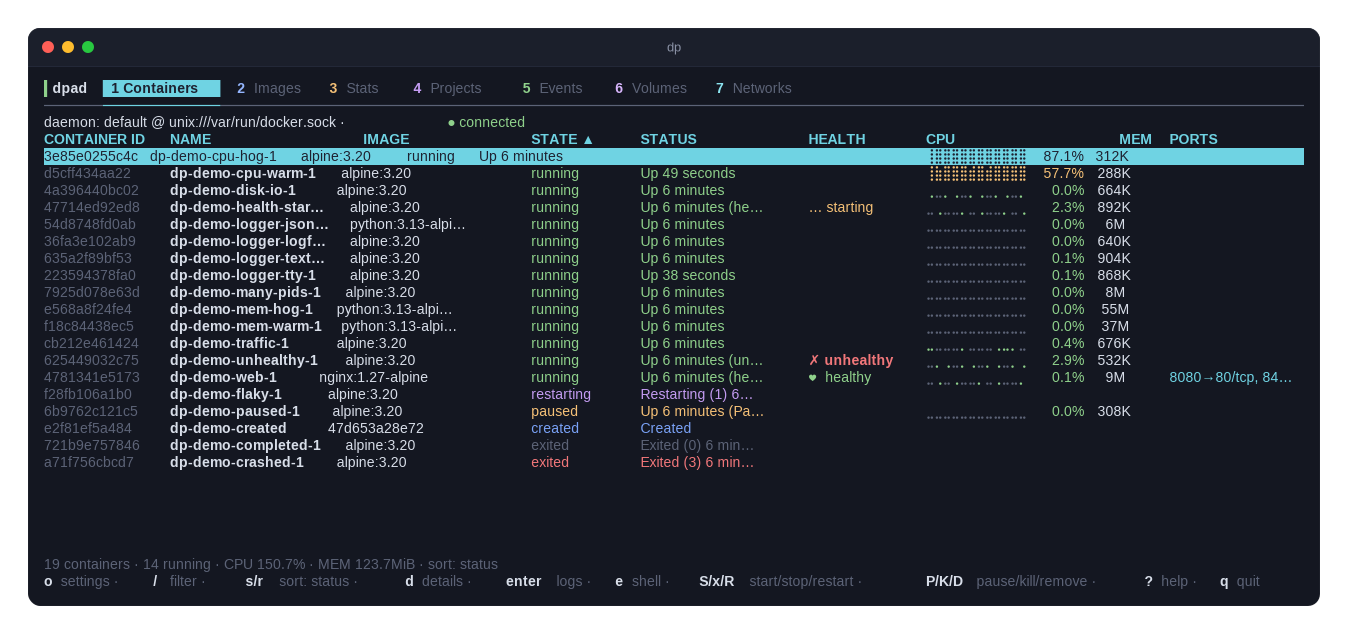
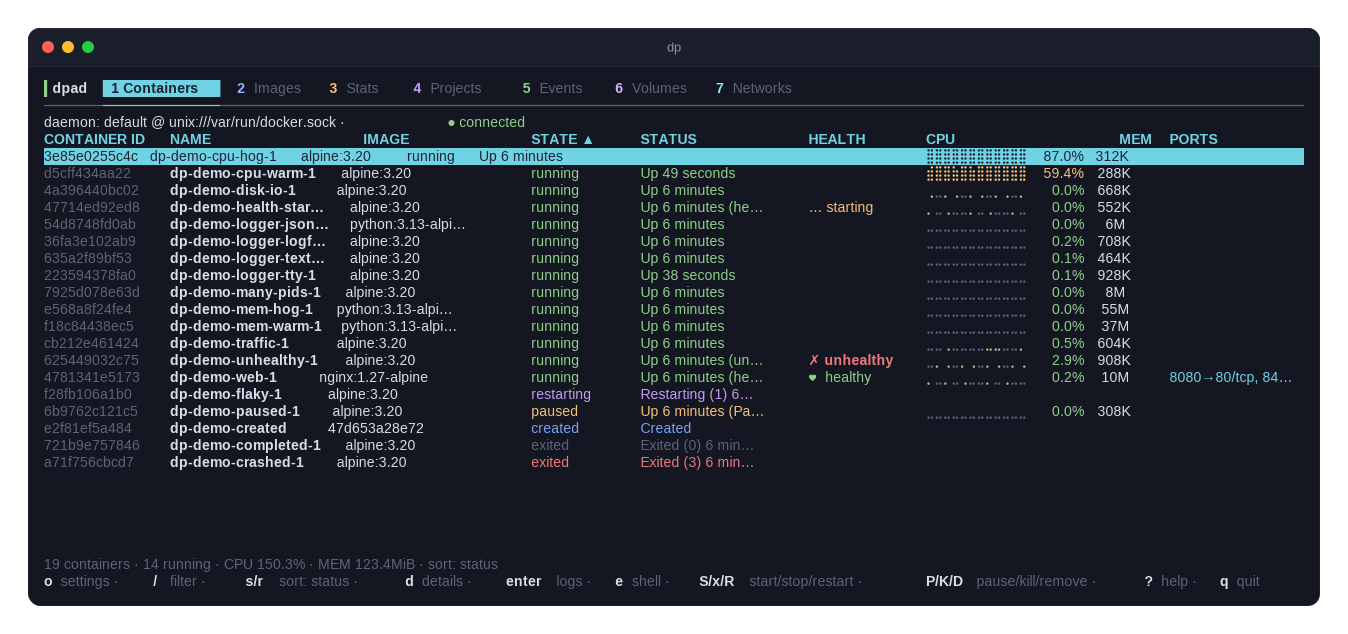
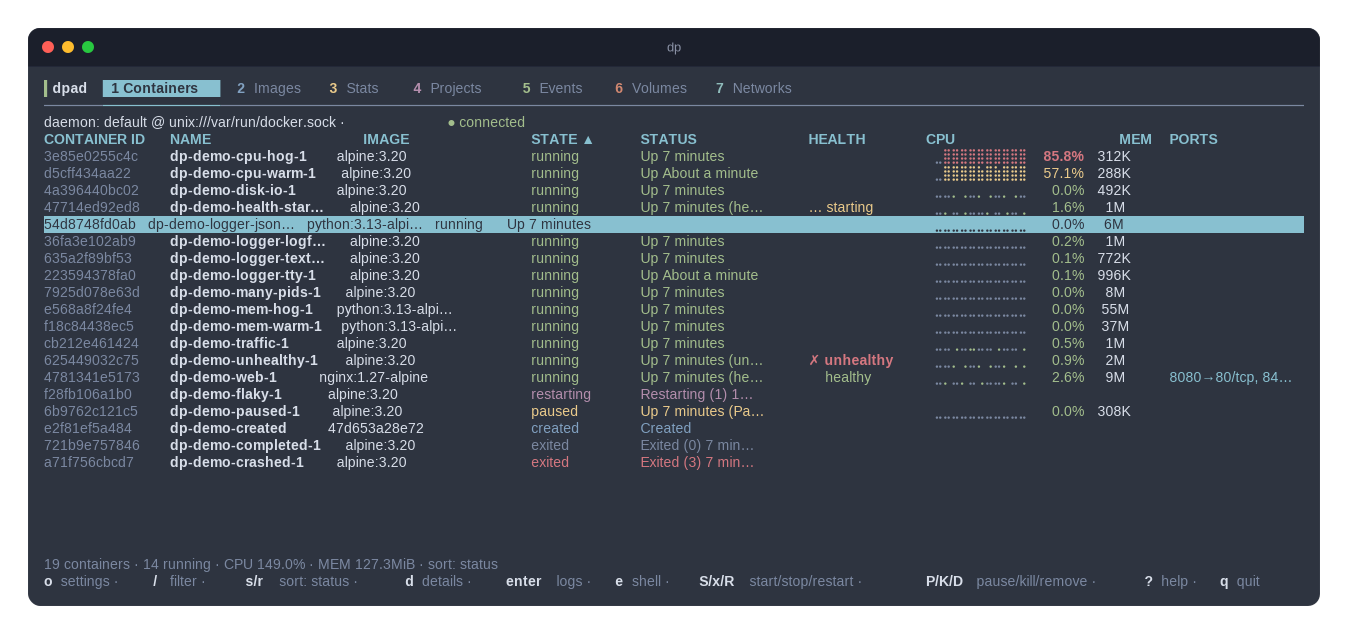
1 containers tab01 / 04
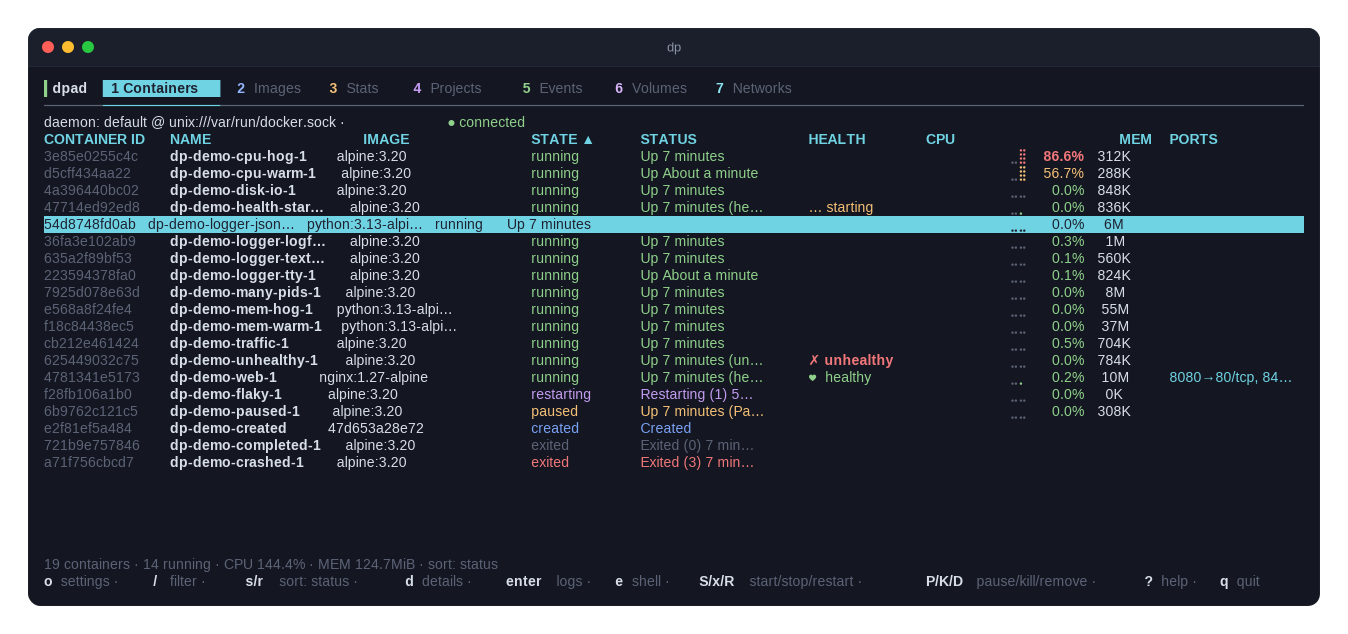
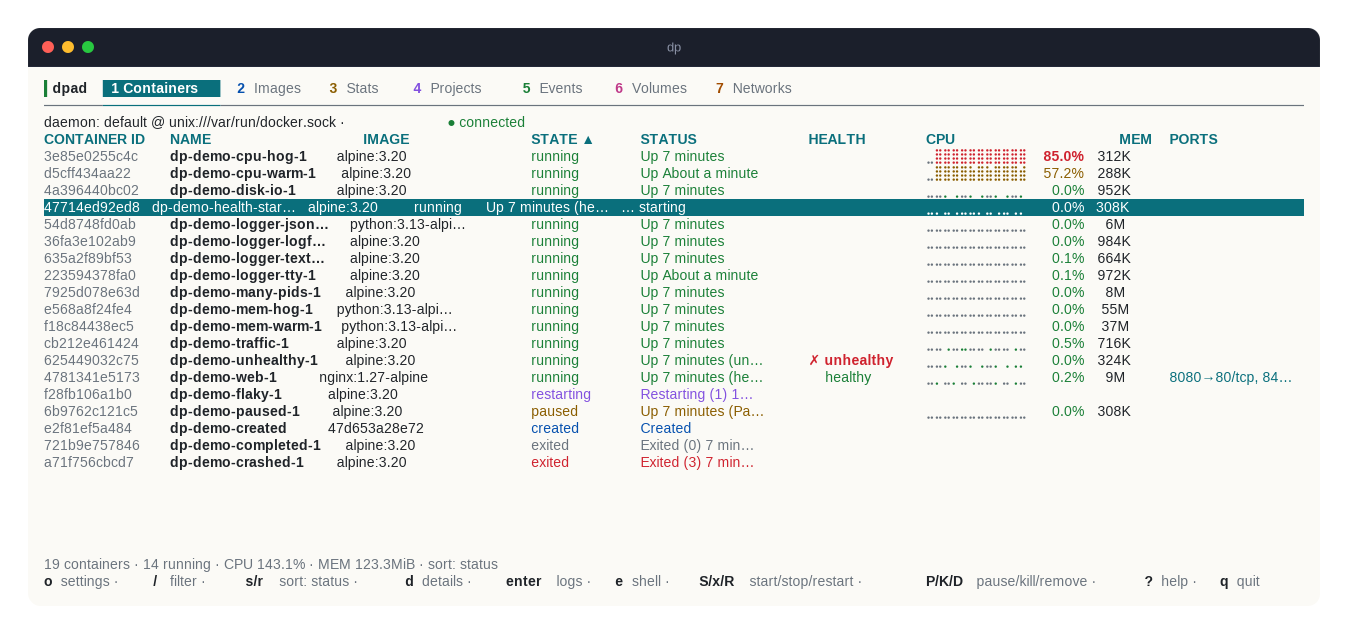
Every container, live
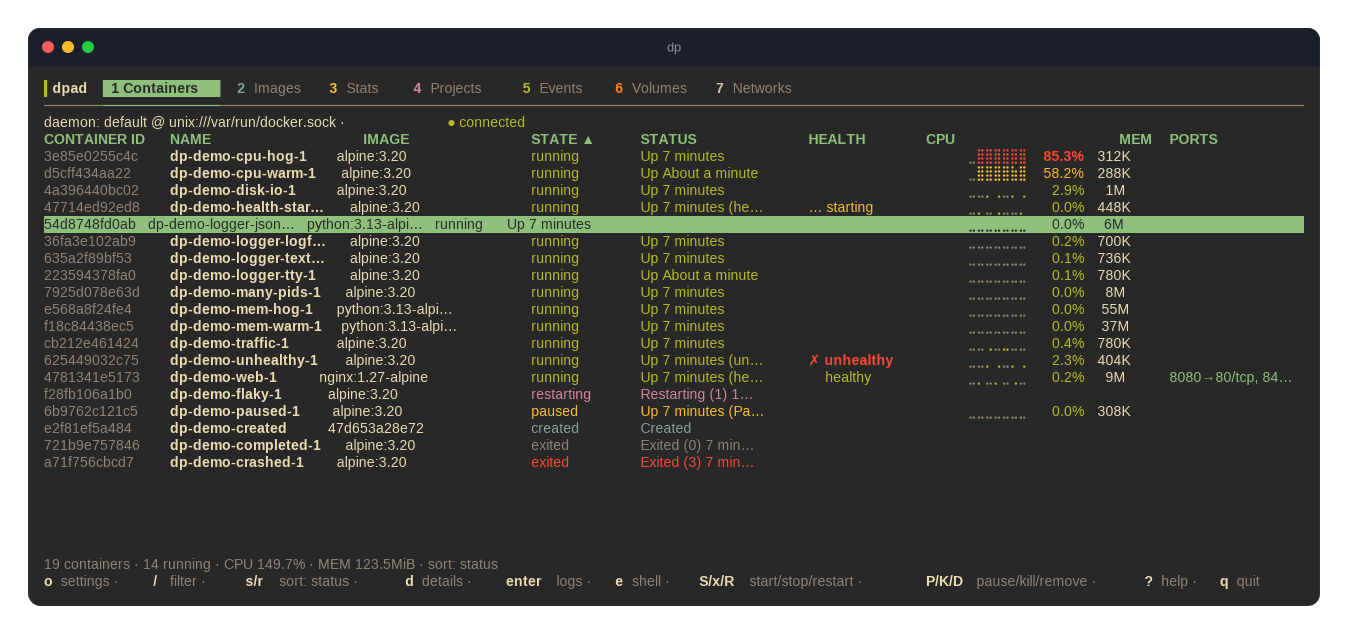
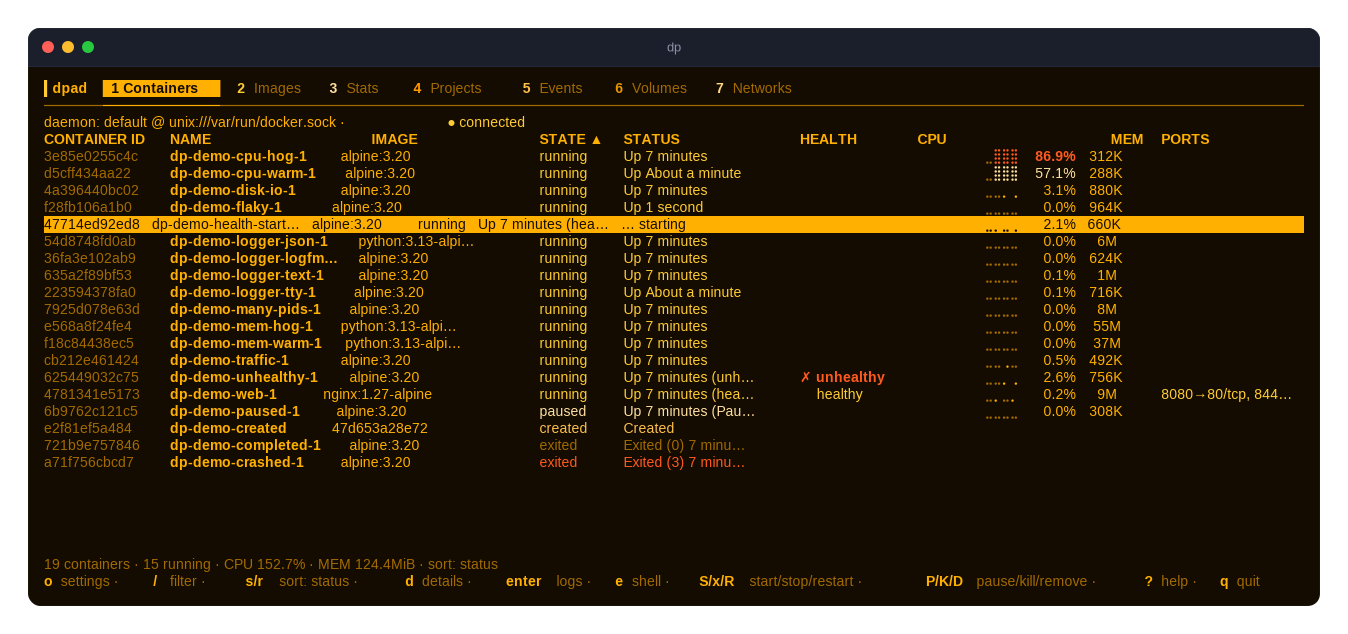
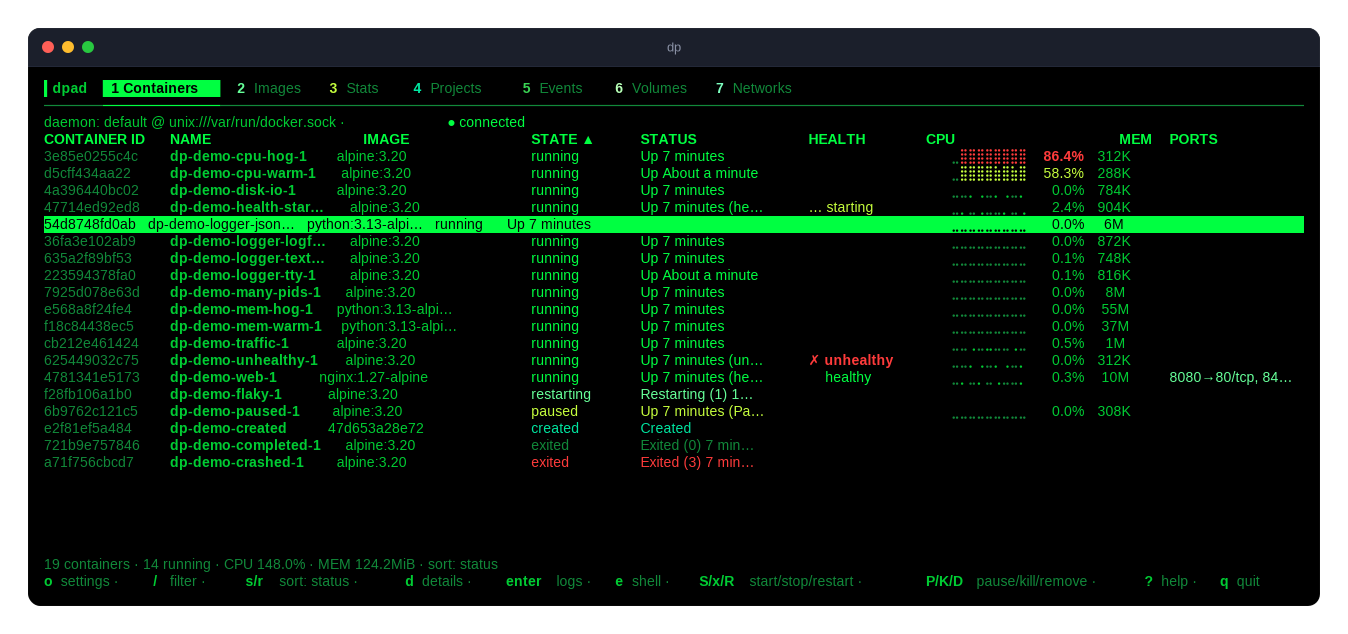
- States, health and ports in color.
- A braille CPU graph and memory on each running container.
- Start, stop, restart, pause, kill and remove with a confirmation.
- e opens a shell inside.
 dpad
docker CLI,dp adds live stats with sparklines, multi-container logs, Compose project controls and a full-screen terminal UI. Anything it doesn't enhance goes straight to docker.
$brew install spar/tap/dpad>scoop bucket add spar https://github.com/spar/scoop-bucket; scoop install spar/dpad$curl -fsSL https://dpad.sh/install | sh>irm https://dpad.sh/install.ps1 | iexThen run dp. Needs a running Docker engine and the Docker CLI.
dpOpens the full-screen terminal UI.
dp ps -aColored, sortable ps with a health column.
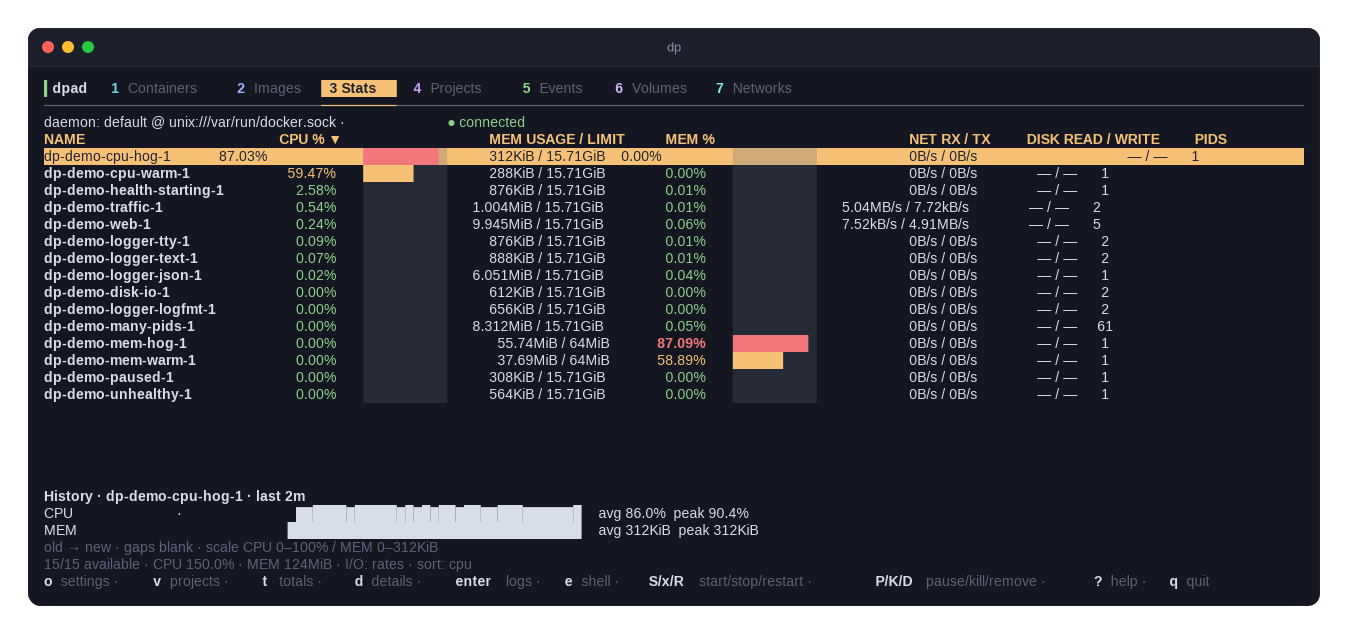
dp stats --sort memLive stats, biggest memory users first.
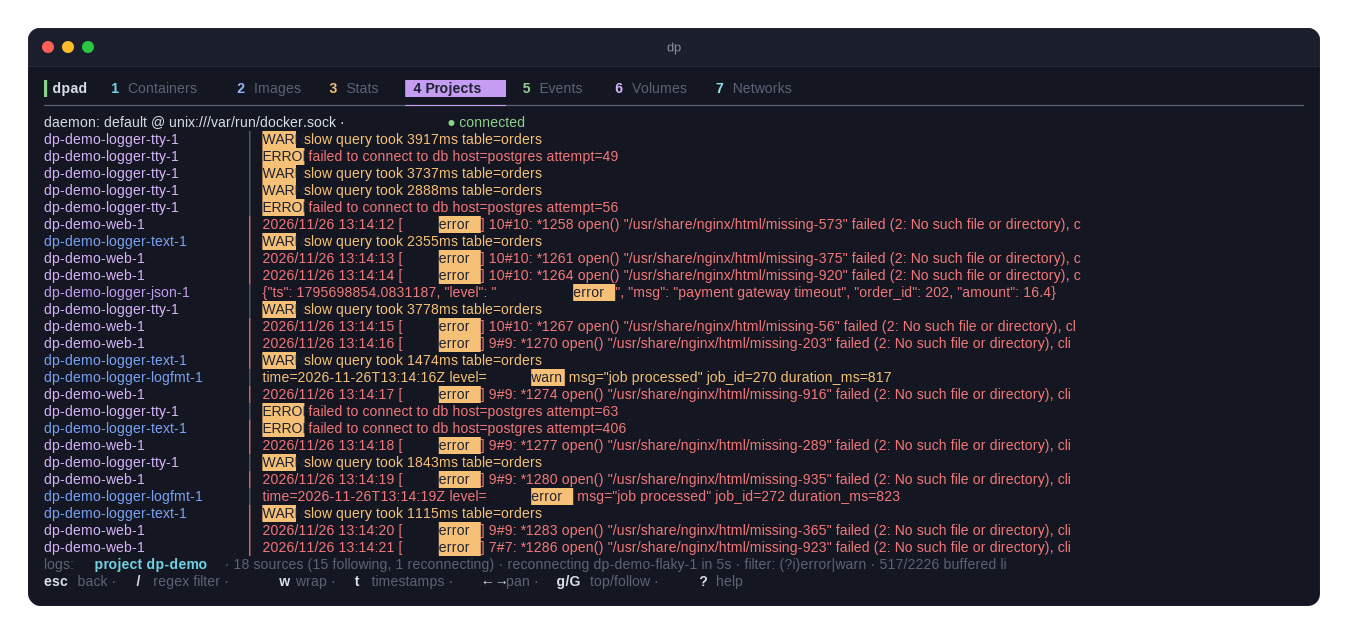
dp logs -f api workerServices or containers in one stream.
docker ps and docker stats are fine for a quick look. Once you run more than a handful of containers, dp fills the gaps, and every other command and flag passes through unchanged.
pull + up -d.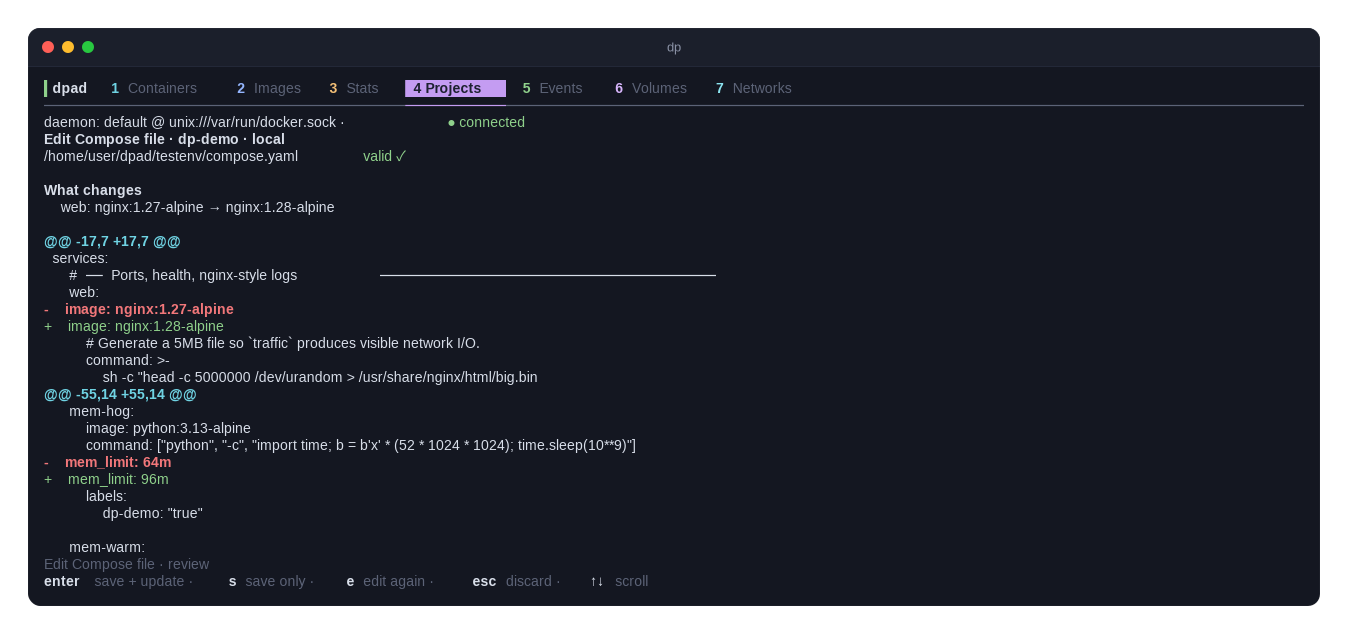
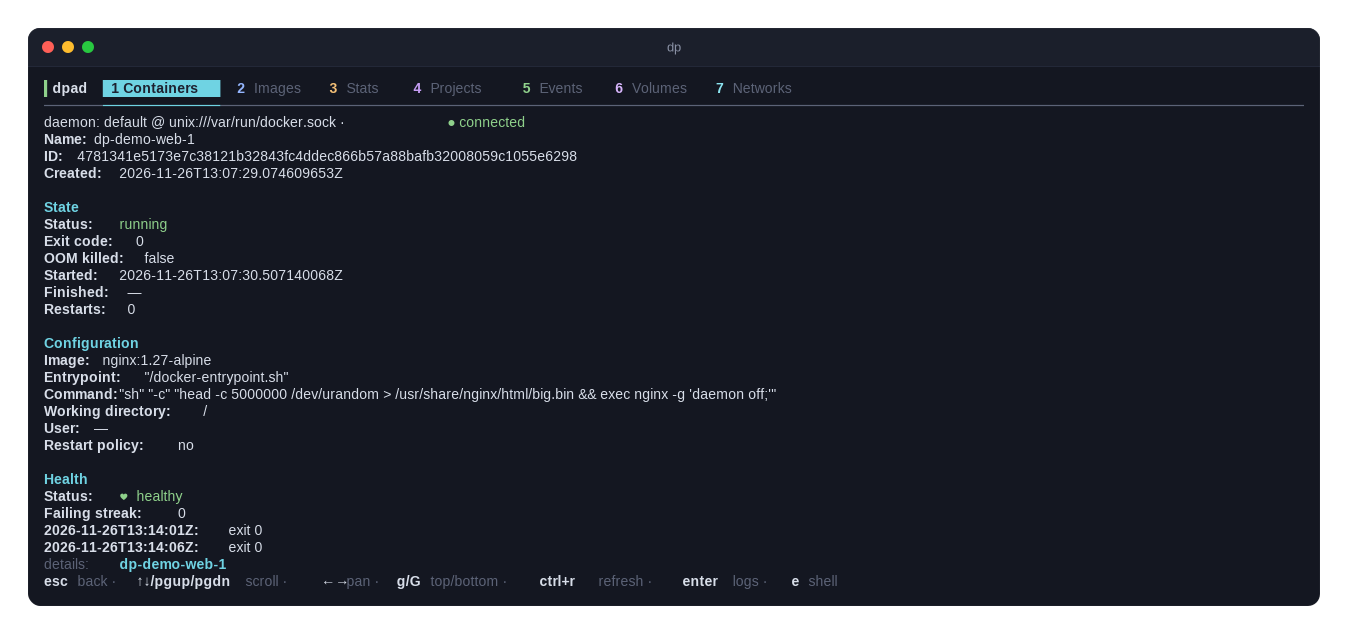
State, exit code, OOM status, restart policy, health checks, ports, networks and mounts.
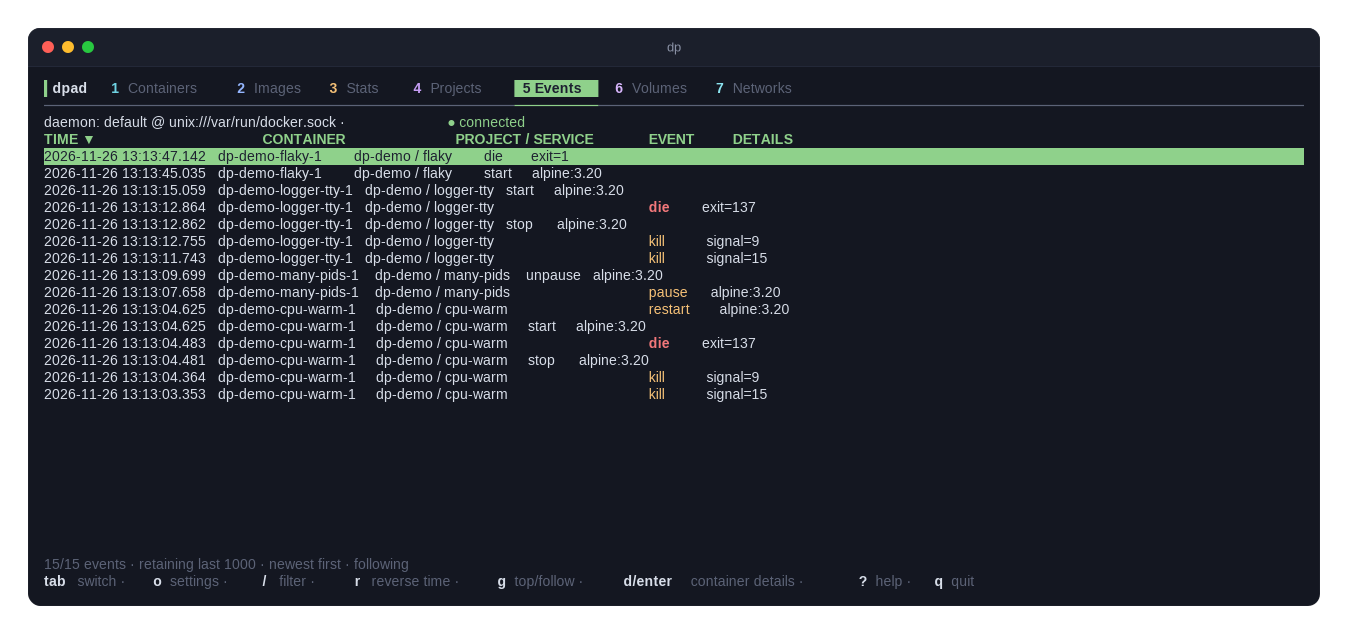
A live timeline of lifecycle and health events, filterable by container, project, service or type.
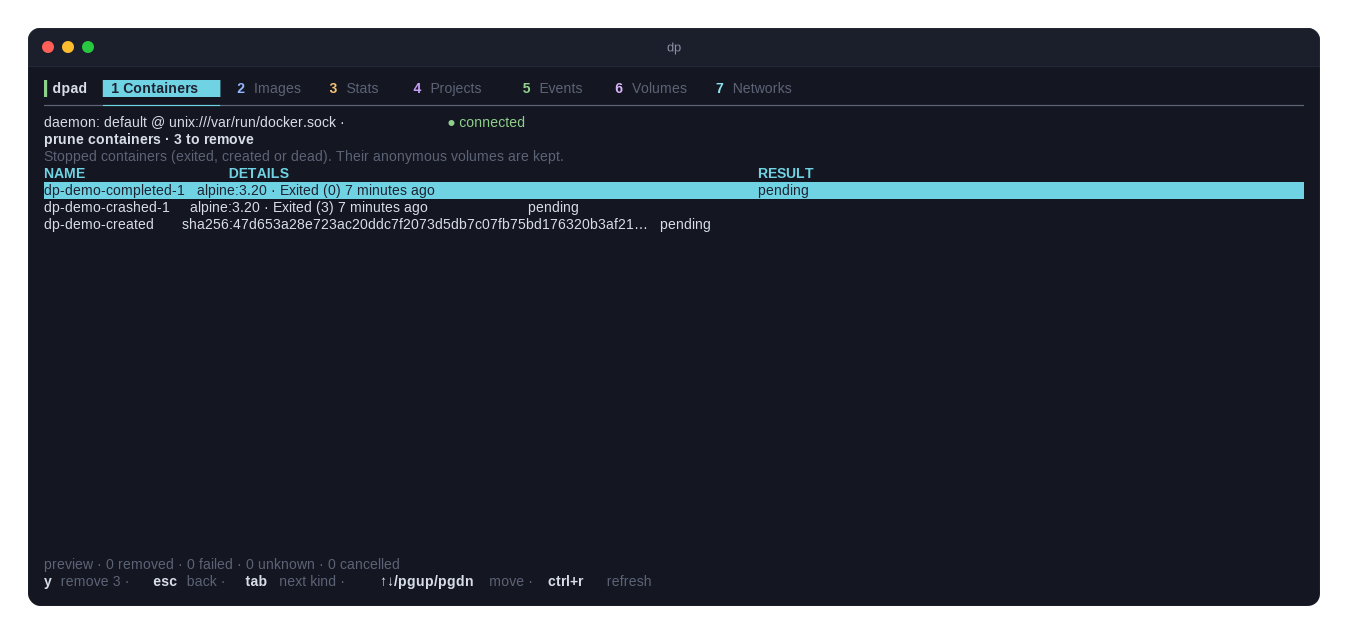
Lists exactly what a prune would remove, then removes only those after y.
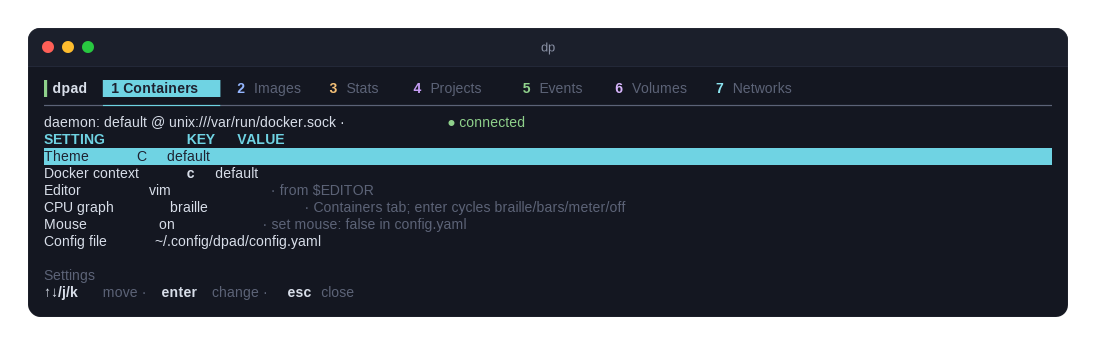
Theme, Docker context, editor, CPU graph style and mouse, saved to config.yaml.
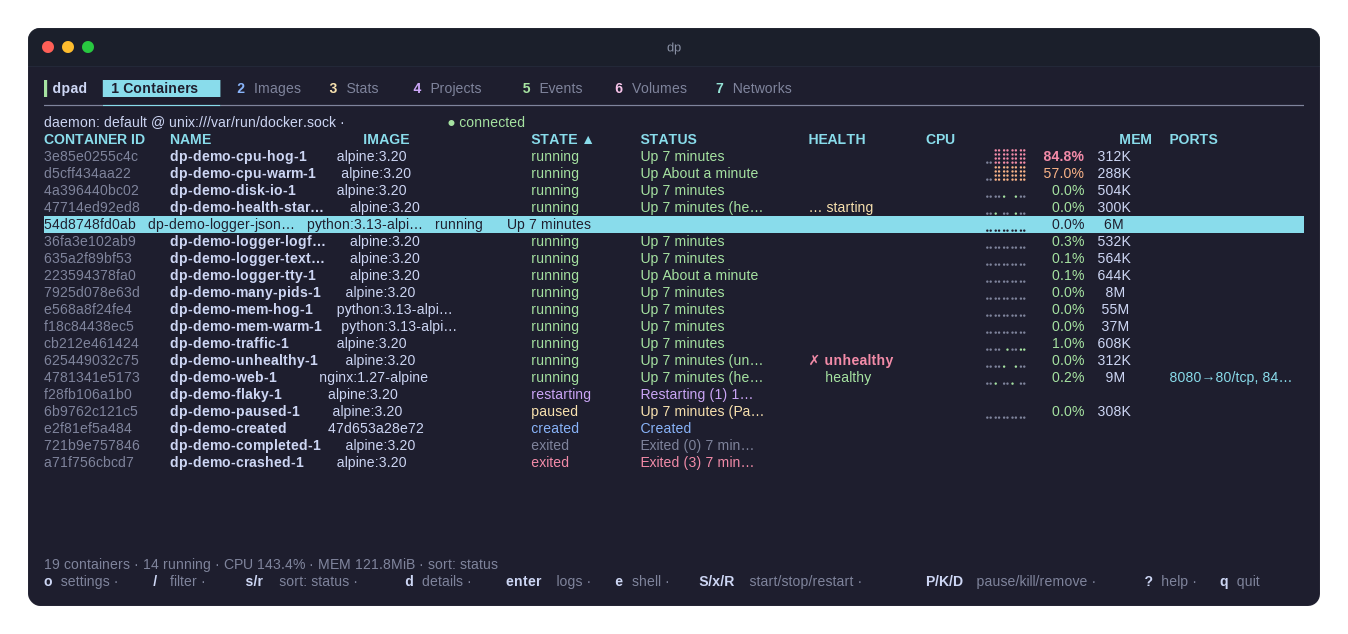
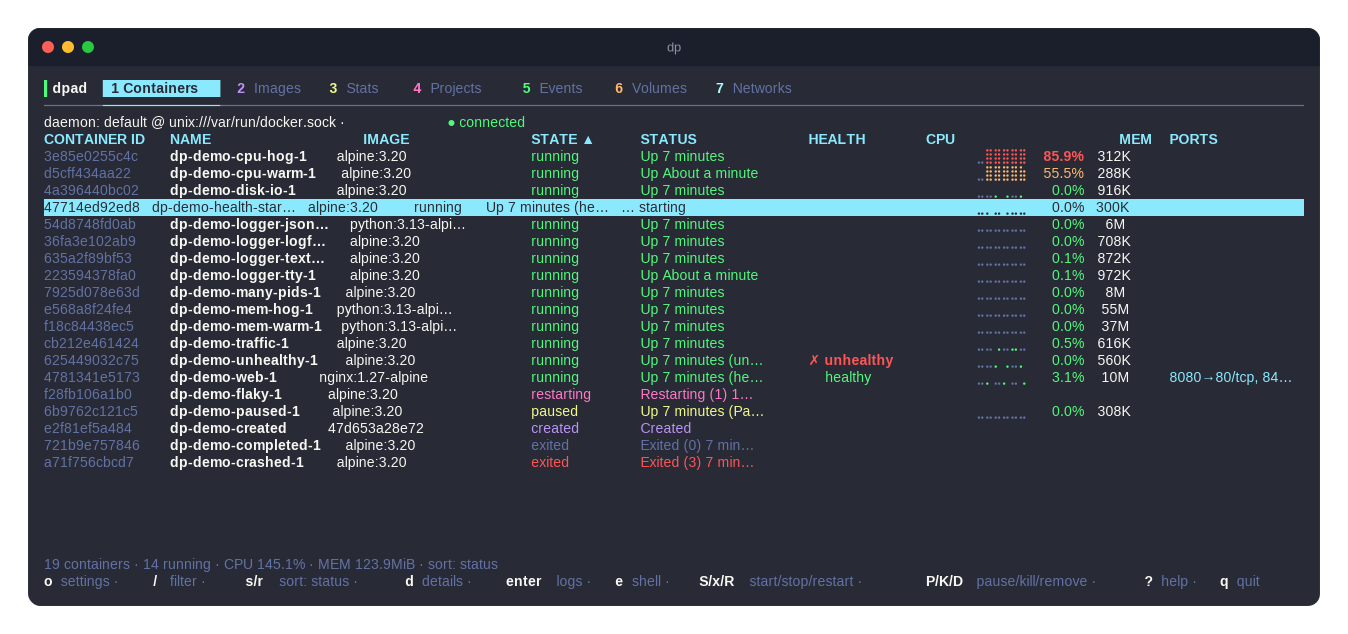
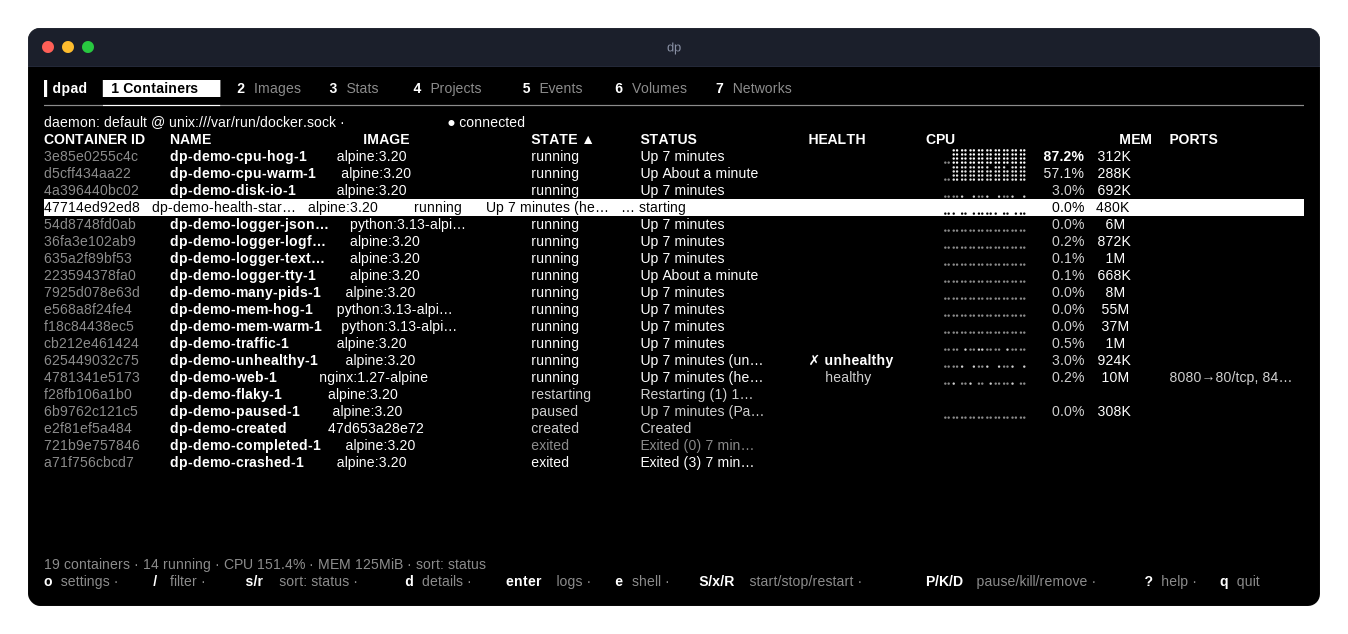
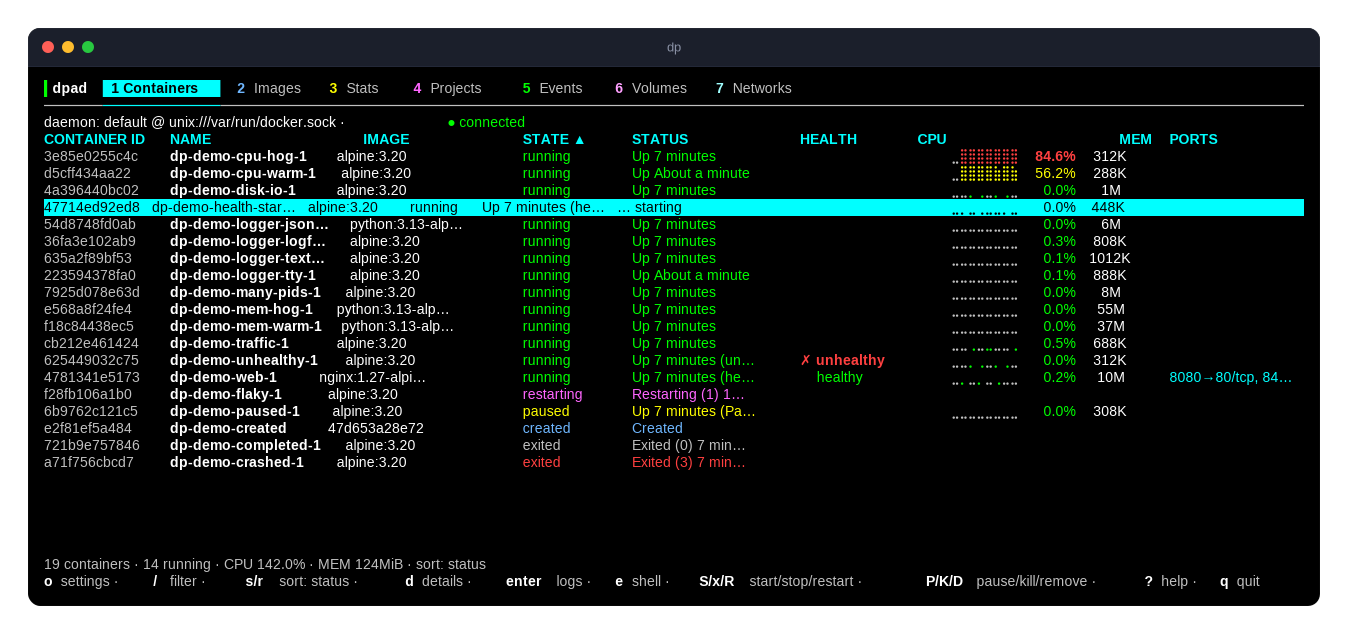
The default follows your terminal's own palette. Press C to switch, or add a theme as one YAML file.
macOS and Linux
$ brew install spar/tap/dpadmacOS and Linux, no package manager. Checks the SHA-256.
$ curl -fsSL https://dpad.sh/install | shWindows
> scoop bucket add spar https://github.com/spar/scoop-bucket
> scoop install spar/dpad
Windows, no package manager. Checks the SHA-256.
> irm https://dpad.sh/install.ps1 | iexThe scripts install dpad and dp for your user. Release archives for every platform carry SHA-256 checksums and signed build provenance: latest release.
Nothing to configure. dp uses your existing Docker contexts and DOCKER_HOST.
$brew install spar/tap/dpad && dp